Knowledge Agents: Trusted AI Answers and Chat, built for your teams



What are Knowledge Agents and AI answers?
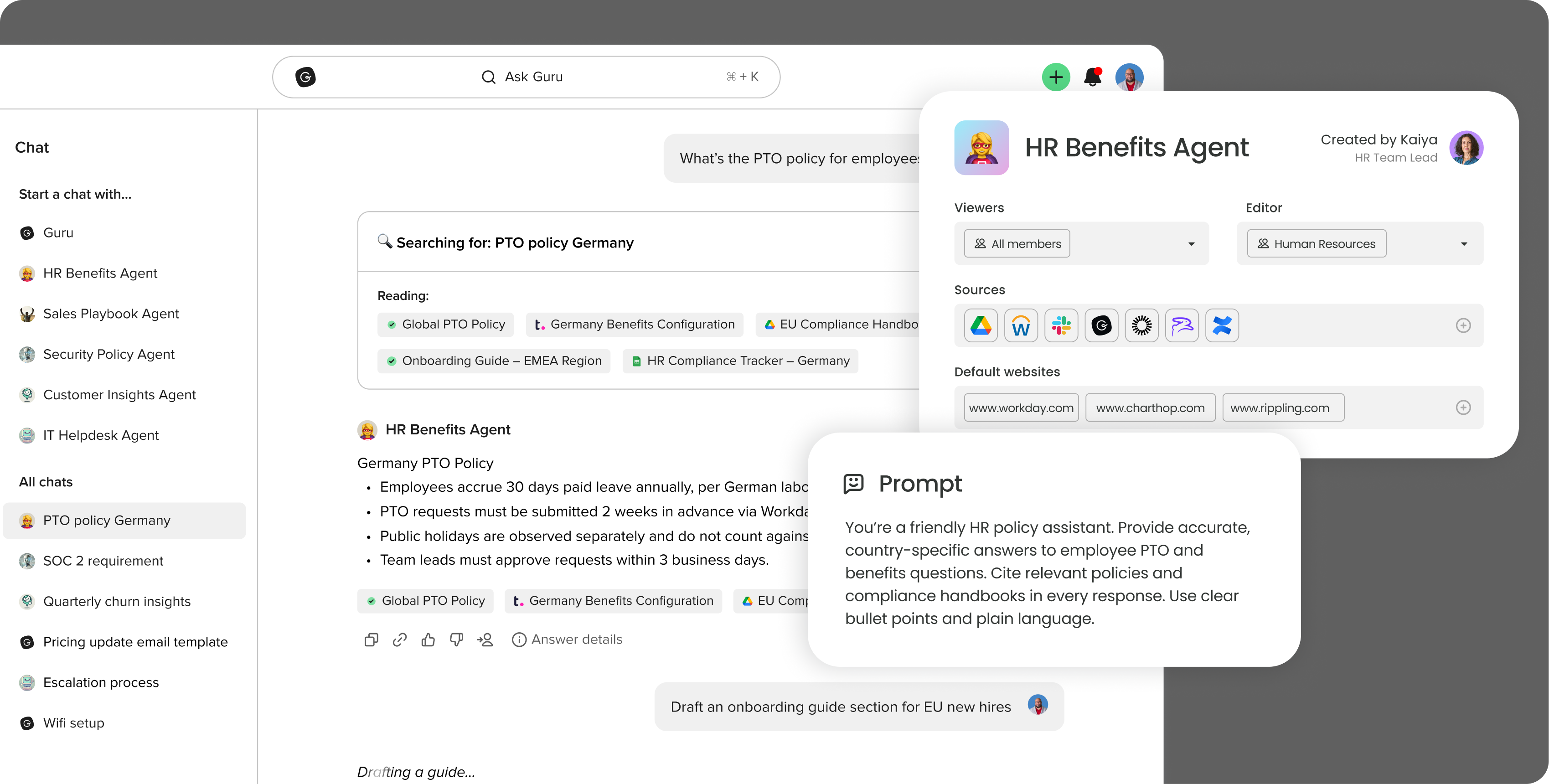
Knowledge Agents help your team get to the right answer faster. They’re trained on your company’s verified knowledge and continuously evaluate it to keep answers accurate over time, scoped to specific use cases, and designed to be both fast and trustworthy.
Employees can interact with Knowledge Agents in multiple ways:
- Instant answers wherever you work - Guru app, Slack, Teams, or even external AI tools like ChatGPT, Claude, Copilot, and Cursor—always fast, cited, and trustworthy.
- Conversational AI chat - Start a conversation right away or ask a follow-up to any AI answer to refine, explore, and go deeper.
- Research Mode - Generate structured, multi-source reports for more complex questions.
Unlike generic chatbots, Knowledge Agents are grounded in your company’s knowledge, permission-aware by default, and transparent about how every answer is formed.
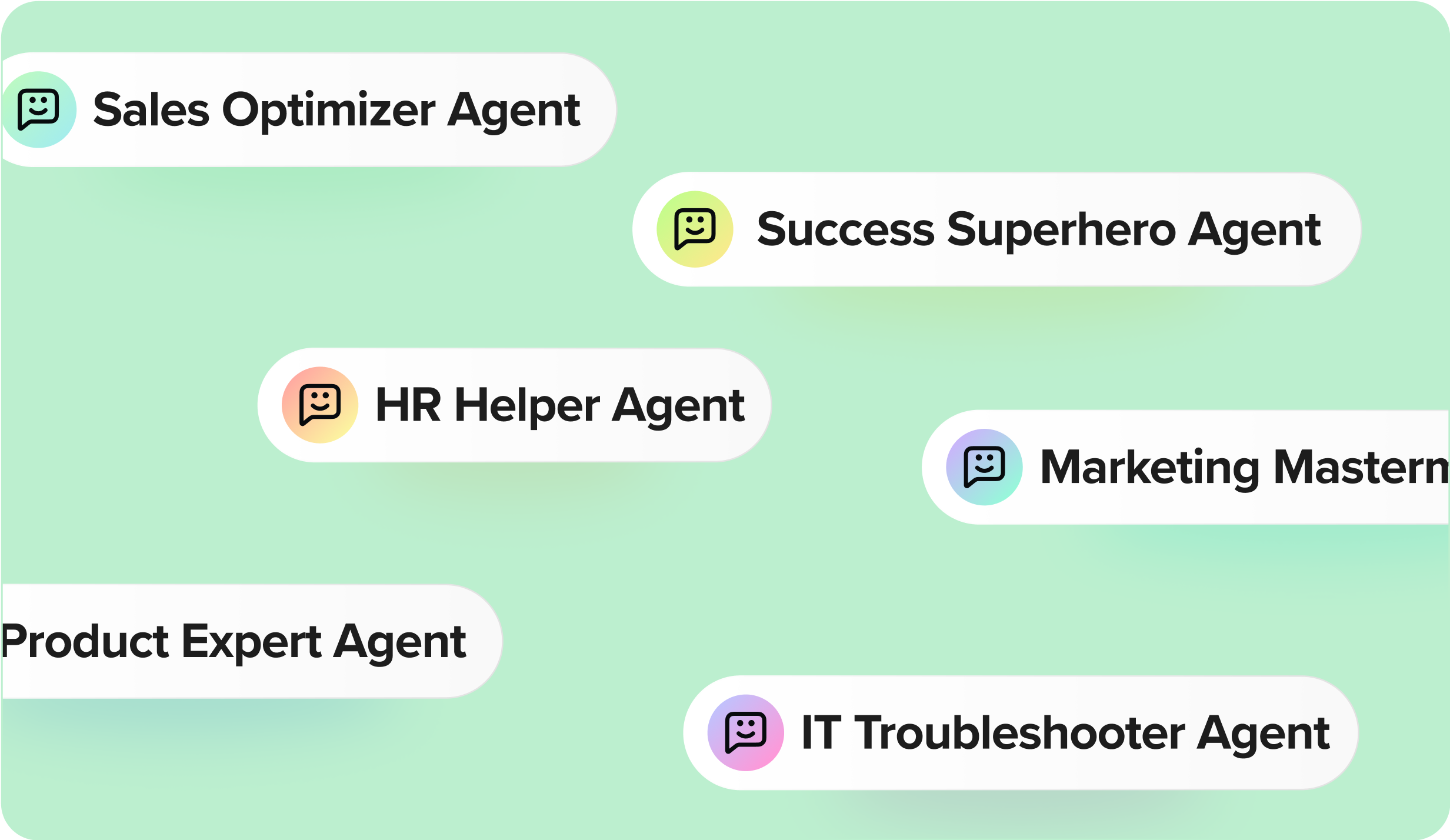
Each Agent can be customized with its own name, avatar, and scope — so any team can create agents tailored to their work, across IT, HR, Sales, Marketing, Product.
How it works
Connect structured and unstructured content
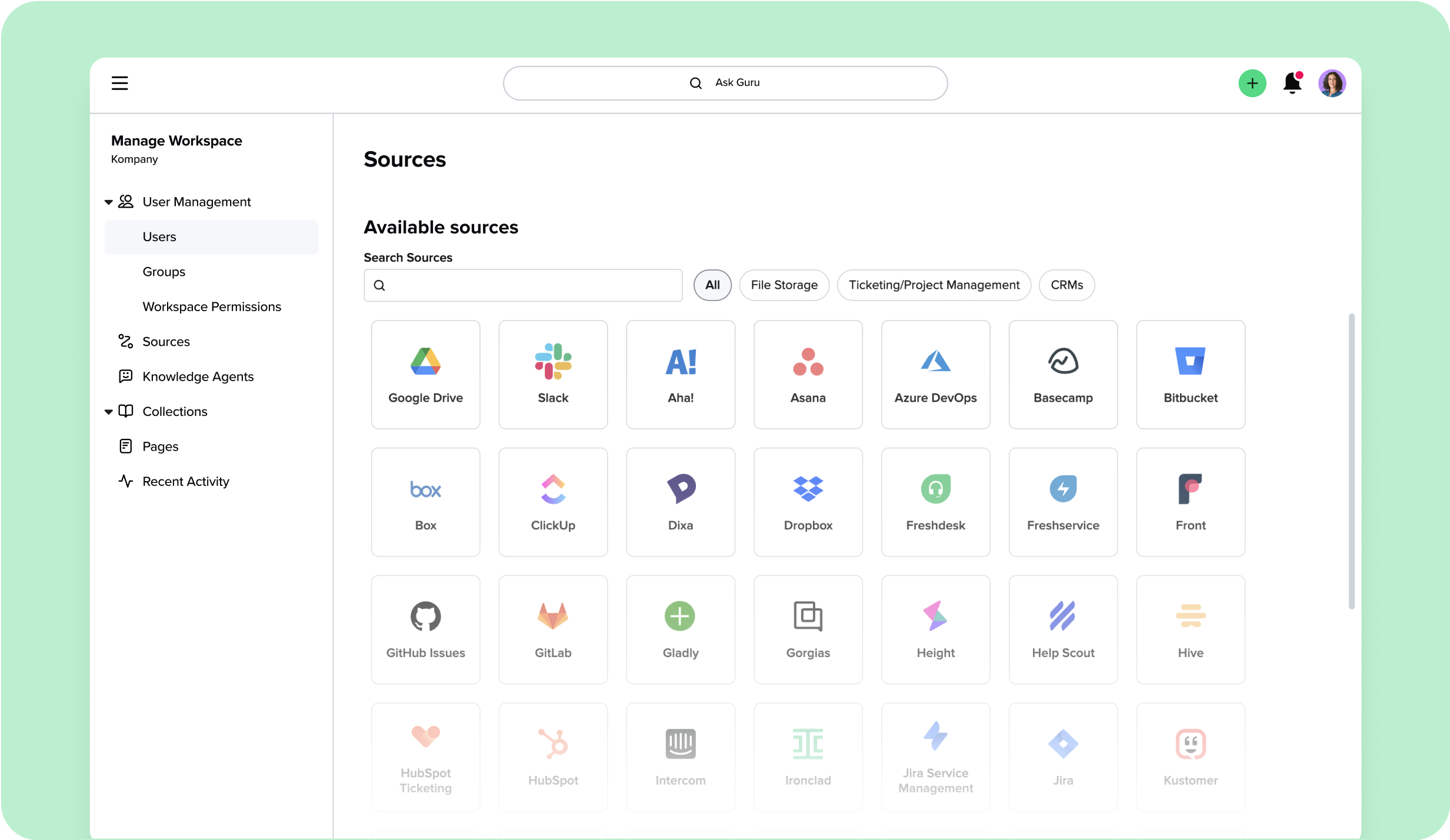
Admins connect sources to serve as the foundation for answers using Guru’s pre-built integrations: Guru knowledge bases, apps like Google Drive, SharePoint, Confluence, Notion, and Slack, and optionally approved public websites.
Configure Knowledge Agents
Each Agent can be customized with its own name, avatar, scope, and prompt settings. Admins control:
- Which sources the Agent uses
- Where the Agent can be accessed (Guru app, Slack channels, Guru Pages, external tools via MCP)
- Who can view or manage the Agent
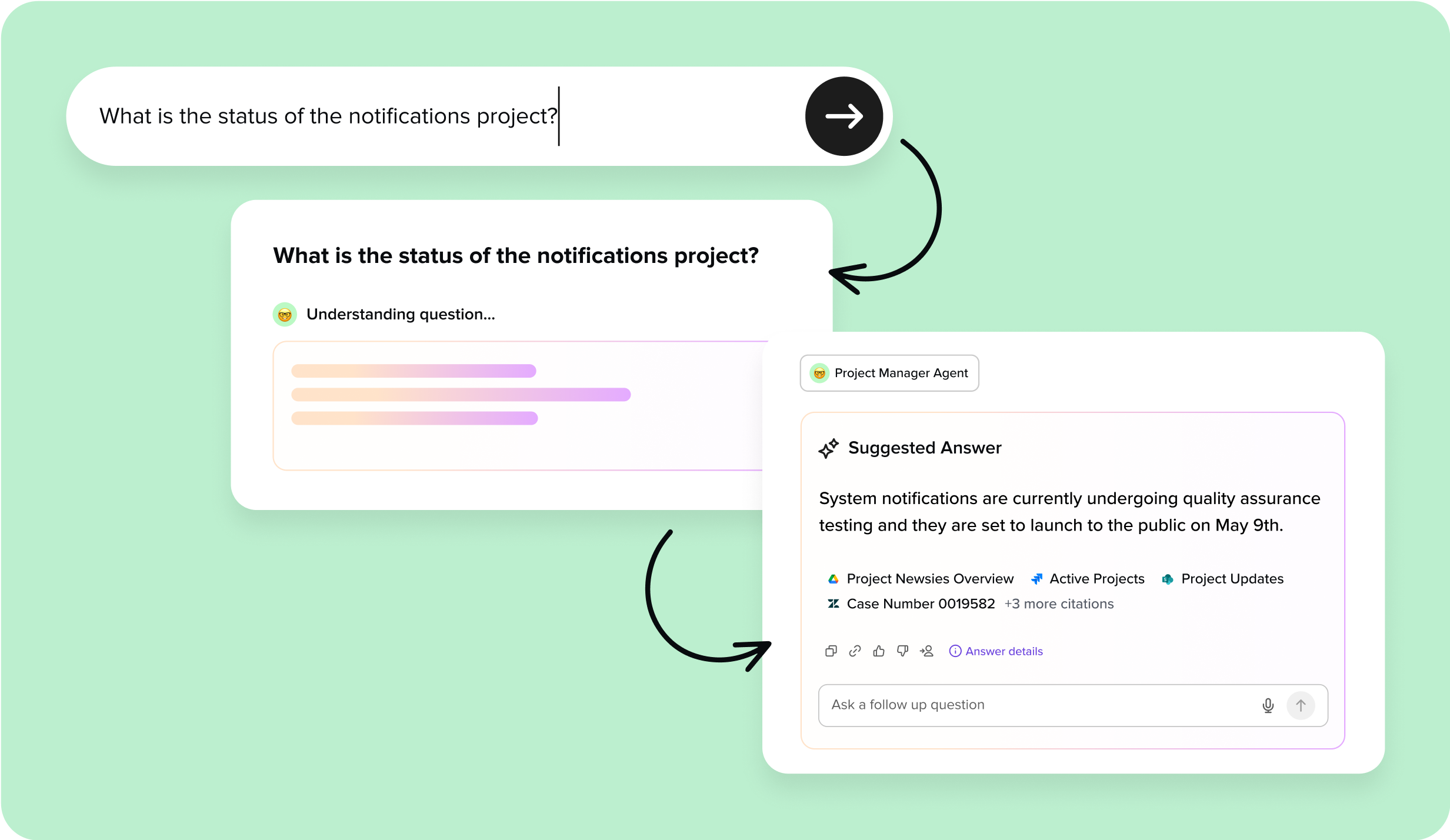
Ask a question, get a trusted answer
When someone asks a question, the Agent uses several retrieval techniques to surface the most relevant pieces of information across multiple sources, often spanning different formats and systems. The agent then analyzes these fragments together, synthesizing them into a clear, natural-language response. This allows the Agent to answer questions that require deriving insights across documents, not just echoing back existing text. Each answer includes citations and detailed Answer Details, showing not only which source was used but the exact section of that source (e.g., slide 8 of a deck). This level of precision gives employees confidence and admins and SMEs visibility into how every response was formed. That same visibility and usage data also feeds back into how Knowledge Agents automatically improve and maintain the quality of the knowledge they rely on.
Conversational AI built on your knowledge
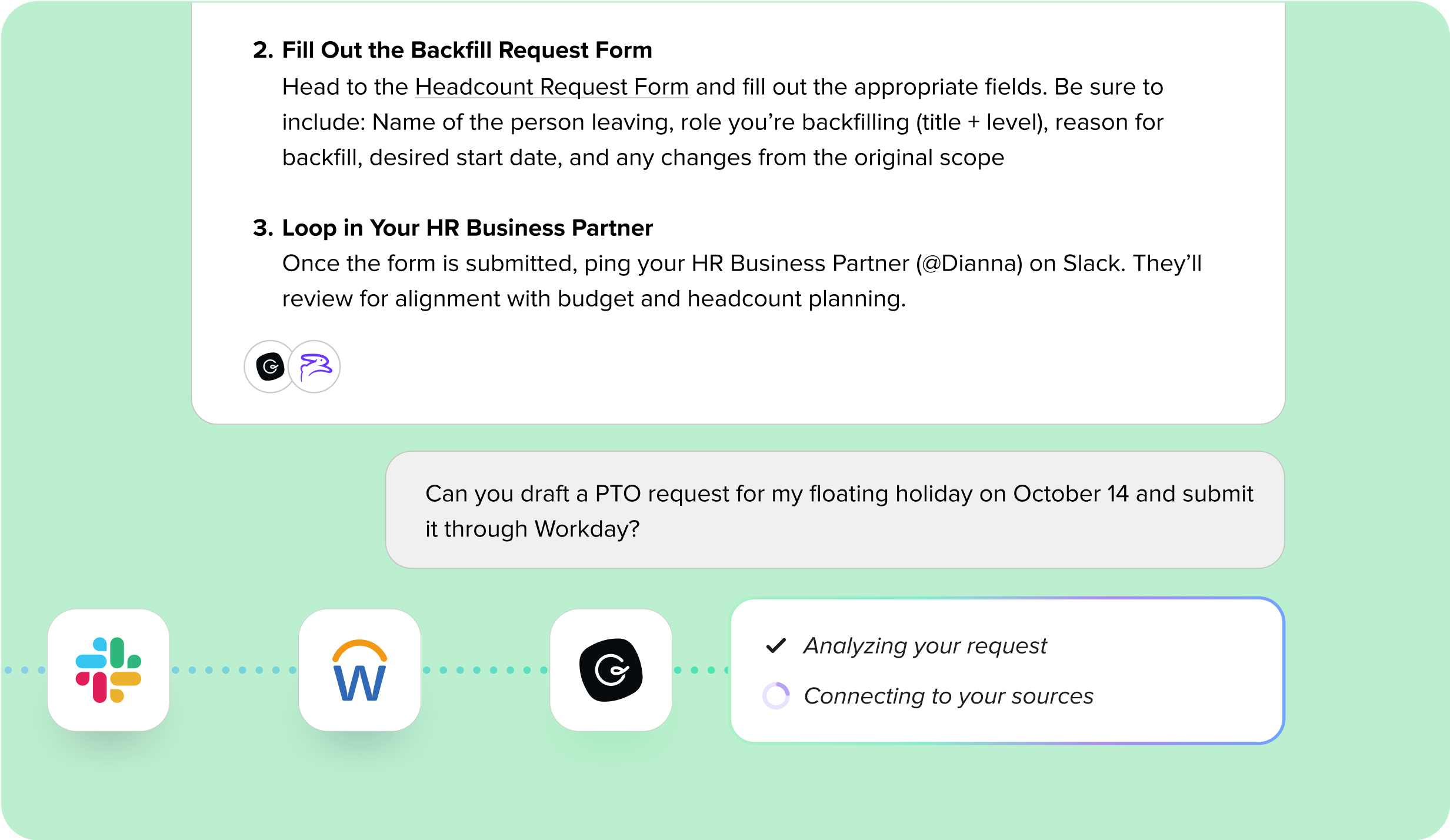
Chat with your Knowledge Agents much like you would your co-workers. Employees can start a conversation from the outset or ask a follow-up to go deeper. Refine responses, turn on Research Mode, and capture exchanges as draft documentation. New insights can also be saved as draft Guru Cards, closing the loop from question to lasting knowledge. It’s conversational AI that enterprises can trust: explainable, permission-aware, and fully governed.
Employees can also capture value from chat by saving trusted responses directly as new Guru Cards, turning every AI interaction into lasting, reusable knowledge for the whole organization
Maintain access control
Agents always enforce role-based permissions. Even if an Agent is connected to broad sources, individual users only see information they’re authorized to access.
Monitor and improve
If an answer isn’t right, it can be flagged for SME review. Admins and experts can see usage analytics, identify gaps, refine sources, and retrain prompts.
Knowledge Agents can also automatically evaluate and maintain knowledge quality using real usage signals—reducing the need for manual reviews while keeping humans firmly in control.
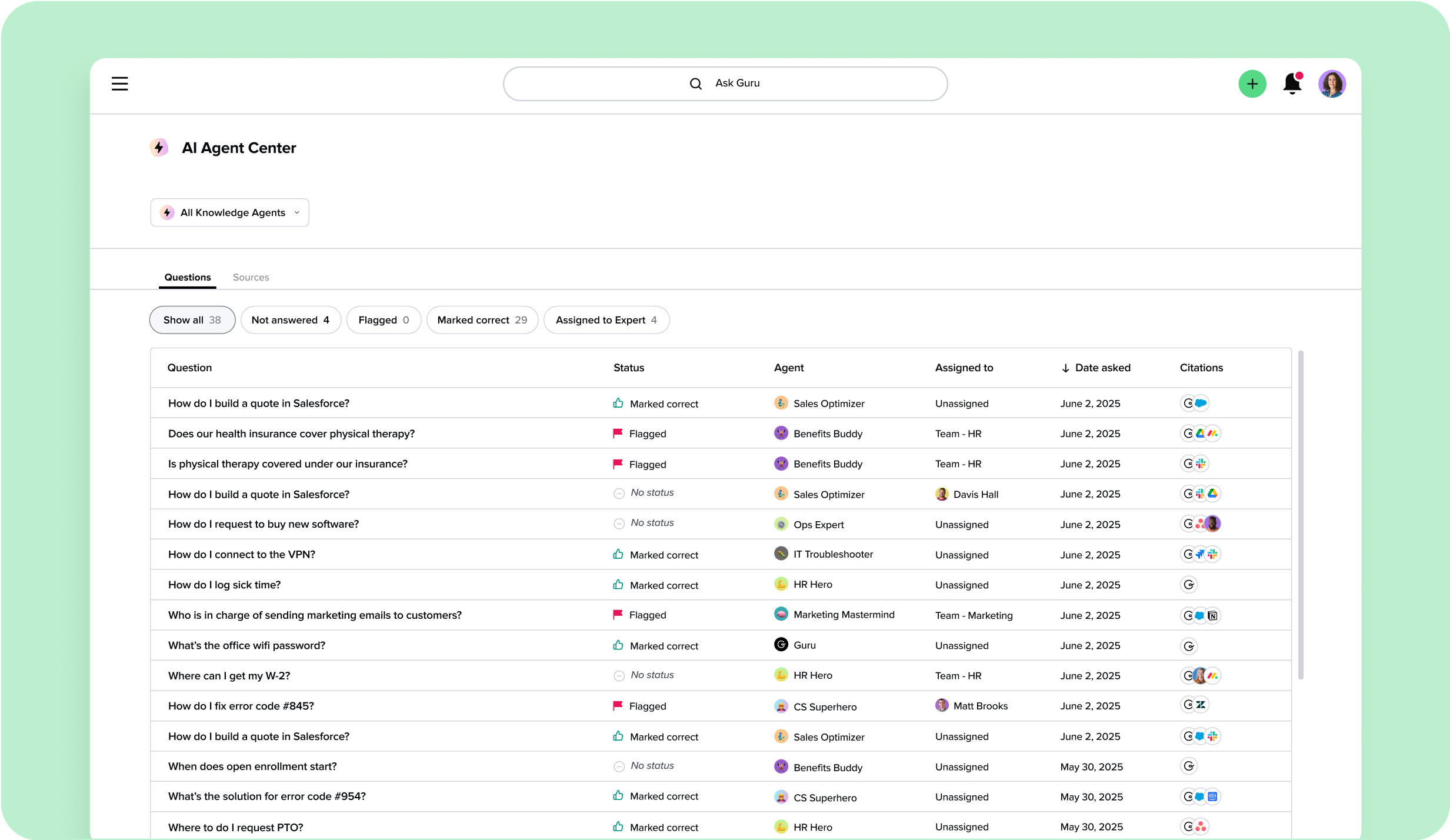
All Knowledge Agent questions and answers flow into the AI Agent Center, creating a continuous improvement loop instead of a black box — and highlighting where new knowledge should be documented.
Unlike general-purpose chat tools, every Knowledge Agent interaction is logged in the AI Agent Center — fully auditable, transparent, and improvable. That means admins and IT leaders get governance and visibility other tools can’t offer.
Automate Knowledge Quality
Knowledge Agents don’t just surface answers—they continuously improve the quality of the knowledge behind them.
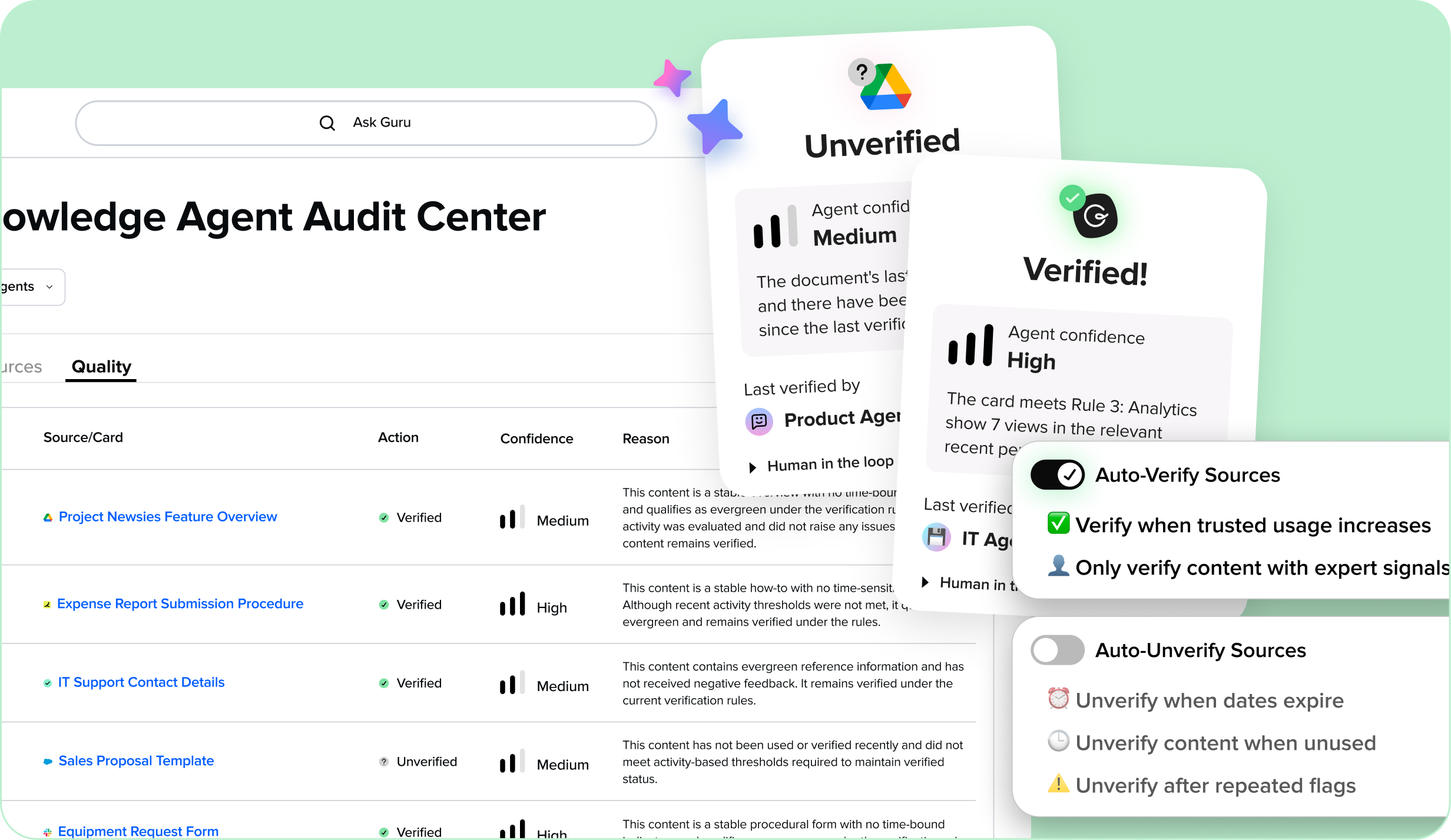
Knowledge Agents automatically evaluate the content powering answers using real usage signals, content context, and policy-driven rules. They can verify trusted knowledge, flag outdated or questionable content, and log every decision with full transparency.
This shifts knowledge quality from periodic, manual reviews to continuous, automated upkeep—while keeping humans firmly in control.
Key capabilities include:
- Automatically verify and unverify knowledge based on real usage
- Prevent outdated information from powering answers
- Full visibility, explanations, and human override for every action
- Improved accuracy for employees and connected AI tools
Learn more about Knowledge Quality Automation →
Why it matters
Most AI tools generate answers without showing their work. Knowledge Agents flip that model: every answer is cited, permission-aware, and explainable.
Shared context, not silos. Unlike single-user AI chat tools that fragment knowledge across individual projects, Guru delivers a shared, governed context. Everyone uses the same prompts and verified sources, so answers stay consistent company-wide.
Employees get what they need instantly, without digging through outdated docs or waiting on colleagues. Team leaders gain confidence that their teams are acting on verified information. Subject matter experts (SMEs) see where questions surface gaps, helping them prioritize updates that matter most. And IT and Ops leaders get the transparency to improve knowledge quality, close gaps, and keep governance intact.
Eliminate AI embarrassment. Unverified AI often produces confident but wrong answers. Guru’s verified context prevents this, so employees aren’t caught relying on hallucinations or stale content.
It’s AI that’s not just faster—it’s smarter, explainable, and safer for the enterprise.
Guru connects to all the apps your team already uses
Knowledge Agents unify knowledge from across your ecosystem: internal docs, tickets, policies, wikis, drives, and more. They surface context from everywhere your teams already work—without migration or duplication.
Use Knowledge Agents anywhere
Knowledge Agents are available across the tools your teams already rely on:
- Guru web app — The central hub for instant answers, full conversational chat, Research Mode, and knowledge creation.
- Browser extension (Chrome, Edge, Opera) — Search any Knowledge Agent and get instant answers in the flow of any web app. Capture new knowledge on the spot without breaking focus.
- Slack — Ask questions in channels or DMs and get trusted answers instantly. Knowledge Agents can also deliver answers proactively in Slack threads, reducing repeat questions and saving SMEs time.
- Microsoft Teams — Search across any Knowledge Agent and stay aligned with triggers and announcements.
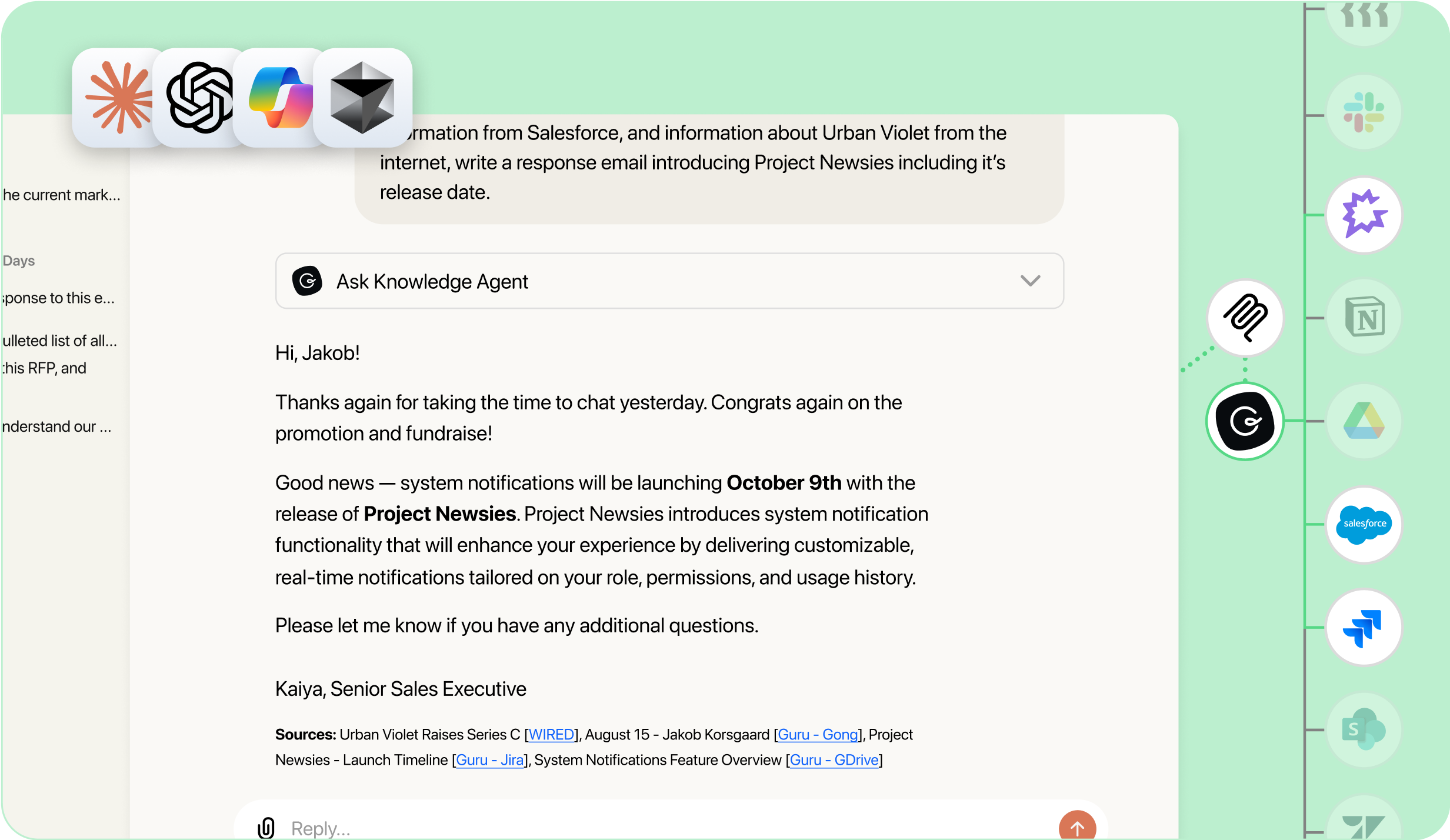
- MCP-enabled tools — Interact with Knowledge Agents in external AI tools like ChatGPT or Claude, while preserving governance and permissions.
- Custom apps via API — Embed Knowledge Agents into internal portals and workflows unique to your business.
Secure, customizable permissions
Guru enforces enterprise-grade security and data protections:
- Agents always respect role-based access controls.
- Content is never used to train public models or shared across customers.
- Admins and Owners define source connections, assign roles, and manage activity through detailed analytics.
Your knowledge stays yours—private, secure, and governed.
Learn more about...
FAQs
You’ve got questions, and we’ve got answers.
Knowledge Agents follow Guru’s existing security and privacy standards. No customer data is stored with third-party partners or used to train third-party models. Any data processed through LLMs is deleted automatically after processing. Personally identifiable information (PII) is never shared unless you explicitly include it in your content. Learn more on our security page.
Admins connect sources like Guru Cards, Google Drive, SharePoint, Confluence, Notion, Slack, and more. Each Agent can be scoped to all or a curated set of sources to keep answers accurate and relevant.
No. Knowledge Agents respect your existing role-based permissions. Employees only see information they’re already authorized to access, ensuring sensitive or restricted data remains protected.
Every answer includes Answer Details, showing what content was used and how the response was formed. Employees and subject matter experts can flag or review answers, and admins can refine sources or prompts. All interactions are logged in the AI Agent Center, so Agents improve over time instead of staying static.
Yes. Assign roles like Viewer, Expert, or Agent Owner to individuals or groups for fine-grained control. Admins can also audit usage and performance through the AI Agent Center.
